Dialpad review for insurance agents: pricing, dialing and compliance
Dialpad sells three products on one platform. Connect is the office phone system, Support is the inbound contact center and Sell is for outbound sales calls.
Small agencies replacing desk phones start on Connect. Teams that dial lists need Sell Premium, the only Sell tier with the power dialer.
- Best for
- Agencies that want office phones, a service queue and sales calling from one vendor
- Type
- Business phone system, contact center and sales dialer sold as three products
- Price
- From $15 a user per month, billed yearly
- Dialing
- Power dialer on Sell Premium or the Support dialer add-on. No predictive mode
- Texting
- 250 texts a user a month pooled on Connect. Paid per text on Support and Sell
- Recording
- Every product. Recordings open for 45 days, or a year on Premium
- CRM connections
- Salesforce, HubSpot, Zoho CRM and Microsoft Dynamics 365 built in
- Free trial
- 14 days of Connect, card required
Our take
Dialpad is a business phone platform before it is a dialer. One platform covers desk phones, a service line and sales calls, so an agency can buy each piece for the people who need it.
For list dialing, Sell Premium is the plan. Lower Sell tiers call from a CRM one number at a time, and none of them predict or dial several lines at once.
Watch recording access. Most plans open recordings for 45 days, so Medicare agencies need a custom retention policy or a scheduled export.
Pros
- Phones, contact center and sales calling on one platform
- Free US and Canada port-in
- A-level call signing
- Custom recording retention and scheduled export
- Routing that reads caller answers or stored data
Cons
- The power dialer needs Sell Premium
- No Do Not Call scrub
- Local presence numbers can't text
- Texting stops when calling credit runs out
- The trial needs a card
Plans and pricing
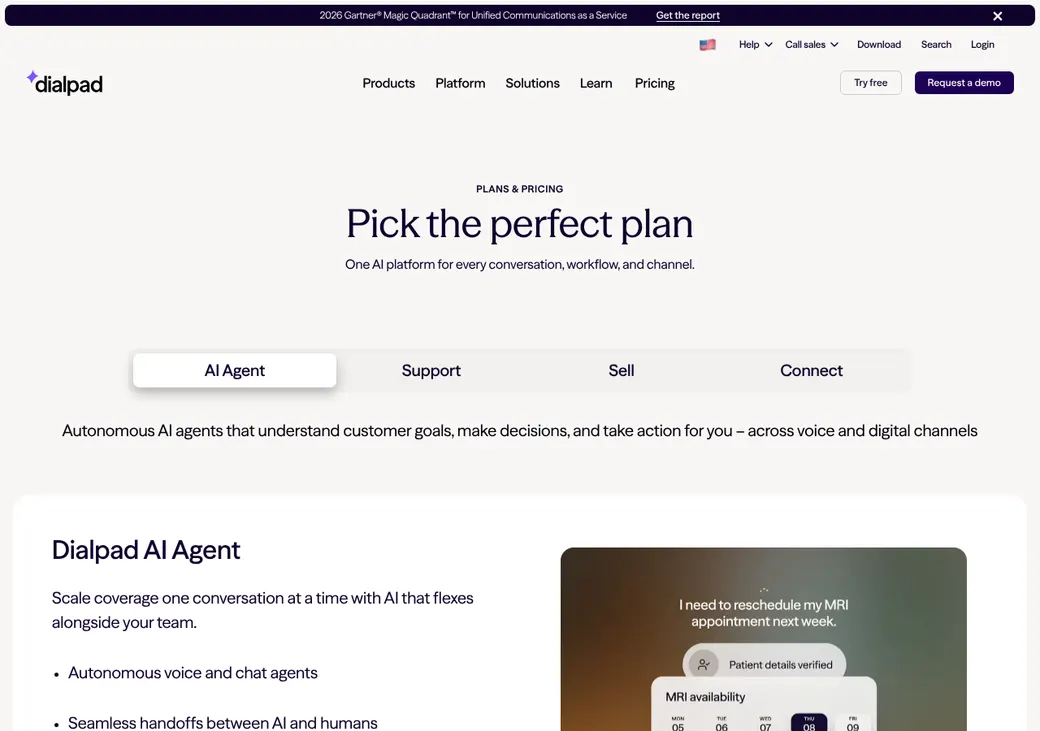
| Plan | Billed yearly | Billed monthly | What it adds |
|---|---|---|---|
| Connect StandardOffice phones for a small agency | $15 | $27 | Unlimited US and Canada calling, a direct line per user and pooled texts |
| Connect ProOffice phones with a CRM link | $25 | $35 | Adds CRM connections, including Salesforce and HubSpot |
| Sell EssentialsProducers who call from a CRM | $39 | $49 | Sales calling, texting and CRM links. Voicemail drop and local presence cost extra |
| Sell AdvancedSales teams that need local numbers | $95 | $110 | Adds voicemail drop and local presence |
| Sell PremiumTeams that dial lists | $150 | $170 | Adds the power dialer and a year of recording access |
| Support EssentialsA service or inbound team | $80 | $95 | Phone menu, queues, routing and manual recording |
| Support AdvancedLarger service queues | $115 | $135 | Hold queues of up to 500 callers |
| Support PremiumContact centers | $150 | $170 | Hold queues of up to 1,000 callers and a year of recording access |
Prices are per user each month, as of October 2026, from Dialpad's pricing page. Enterprise tiers of each product are quote only.
What it would cost you
Cost per month
First-year cost
Cost per live call
Uses the seat prices in the table. Texts above the allowance, extra numbers, toll-free minutes and texting registration are extra.
Good to know before you buy
- Support and Sell include no unlimited calling. An unlimited US calling add-on carries a fair-use cap of 3,000 minutes a license.
- Extra local and toll-free numbers are paid add-ons on every product.
- Toll-free calls are billed on every product.
- Calling credit pays for texts. When it runs out, texting stops in both directions.
- Porting US and Canadian numbers in is free.
Texting charges
| Item | Price |
|---|---|
| Text (SMS) segment | $0.008 |
| Picture text (MMS) segment | $0.024 |
| Brand registration | $4 once |
| High-volume brand vetting | $40 once |
| Campaign vetting | $15 once |
| Low-volume campaign | $1.50 a month |
| Standard campaign | $10 a month |
| Sole proprietor campaign | $2 a month |
Which plan has it
| Feature | Connect Pro | Sell Essentials | Sell Advanced | Sell Premium |
|---|---|---|---|---|
| Unlimited US and Canada calling | Add-on | Add-on | Add-on | |
| Texts included | 250 a user, pooled | |||
| CRM connections | ||||
| Voicemail drop | Add-on | |||
| Local presence | Add-on | |||
| Power dialer |
Dialing modes
| Mode | What it does | Lines per agent | Plan |
|---|---|---|---|
| Click-to-call | Dial from the Dialpad browser extension or a CRM | 1 | All products |
| Power Dialer | Runs a campaign list with calling windows and attempt limits | 1 | Sell Premium, or Support with the dialer add-on |
| AutoReach preview and power | Sales follow-up sequences of calls and texts, sold as a separate AutoReach license | 1 | AutoReach license |
- Dropped calls
- A disconnect message plays when an answered call can't reach an agent
- Predictive dialing
- Not offered. Dialpad's use policy bans automated or predictive dialing on unlimited plans
- Campaign length
- Scheduled up to 7 days ahead and run for up to 7 days
- AutoReach minimum
- 3 seats on monthly Professional licenses
Inbound calls and transfers
Support is the inbound product. It adds menus, queues with callback and routing that can read caller answers or stored data.
- Routing
- Longest idle, fixed order, round robin, random, skill, area code or caller answers
- Queues
- Callback and hold controls. Up to 500 callers on Advanced and 1,000 on Premium
- Phone menu
- On Support
- Transfers
- Standard call transfers
Phone numbers and spam labels
- Who supplies numbers
- Dialpad. It says it doesn't own the numbers
- Porting in
- Free for US and Canadian local and toll-free numbers
- Taking numbers with you
- Yes. The new carrier ports out with a PIN from your admin, and the account must stay open until it finishes
- Local presence
- Top 100 metro areas, a nationwide package or single numbers. These numbers can't text
- Call signing (STIR/SHAKEN)
- A-level, which older networks can strip
- Spam label monitoring
- Yours. Dialpad points to Hiya and Free Caller Registry and can help with carriers but promises no removal
- Branded caller ID
- Bought from TNS or Hiya at their prices
Do Not Call, calling hours and consent
- National Do Not Call list
- No scrub. Bring your own scrubbed lists
- Your own do-not-call list
- Checked by default on dialer campaigns. Import a CSV or flag a number on a call
- Calling hours
- Campaign windows follow the lead's local time from area code, ZIP or a time-zone field
- Attempt limits
- 1 to 15 per campaign, within an admin cap
- Consent records
- Kept by you
- Opt-outs
- STOP blocks texts until the person sends UNSTOP
What Dialpad leaves with you Your agency needs its own Do Not Call subscription and consent records. The calling window is only as good as the time-zone data on each lead.
Texting and registration
- Plans with texting
- All products. Connect pools 250 a user a month for direct lines, and the rest is metered
- Pictures
- Yes, billed per segment
- Carrier registration
- Your admin files the 10DLC registration (US carrier registration for business texting) in Dialpad with your legal name and tax ID
- Approval time
- 3 to 28 days, by Dialpad's estimate
- Fees
- Registration and campaign fees are added to the Dialpad bill. See texting charges above
- Opt-out words
- STOP, UNSTOP and HELP. The HELP reply can be edited, the opt-in and opt-out replies can't
Call recording and Medicare
- Recording
- Manual on web, desktop and mobile. Automatic on supported shared lines and plans
- Recording notice
- A greeting is required on inbound queue, department and main lines. It can play only for callers from all-party-consent area codes. Outbound calls get no greeting
- Pause
- Start, stop, pause and resume
- How long it's kept
- Custom retention by the day. Access runs 45 days on Essentials and Advanced and a year on Premium
- Export
- MP3 download, Google Drive backup, API and scheduled export per office
- Transcripts
- Live and after the call
- After you cancel
- Data is deleted after 180 days, with no promise of access before then
CMS's rule for the 2027 plan year sets six years for Medicare sales calls. Set a custom retention policy or a scheduled export, since the standard access window is far shorter.
CRM and agency system connections
| Connects to | Type | How | What moves |
|---|---|---|---|
| Salesforce | CRM | Built in | Screen pops, call and text logs, recordings, outcomes and list dialing |
| HubSpot | CRM | Built in | Calls, texts, transcripts and summaries, with contacts created as needed |
| Zoho CRM | CRM | Built in | Calls with summaries, outcomes and recordings. The new version is early access |
| Microsoft Dynamics 365 | CRM | Built in | Screen pops, call and text logs and recording links |
| Outreach | Sales follow-up software | Built in | Click-to-call and call logging |
| API and webhooks | Automation | API | Call events, messages, recordings and transcripts |
Salesforce needs Connect Pro or higher and a Salesforce edition with API access. The power dialer from Salesforce lists needs Sell Premium. No agency management system connects directly.
Reporting and coaching
Reports
- Campaign, agent and outcome reports
- Talk and handle time
- Contact center analytics and live dashboards
- CSV export with lead IDs
Coaching
- Monitor, whisper, barge and take over
- AI live coaching, scorecards and keyword alerts, included on higher tiers
Getting started
Start the trial
Fourteen days of Connect with a card on file. Extra numbers can't be added during the trial.
Pick the product
Choose Connect, Support or Sell before moving any numbers.
Register for texting
Your admin files the brand and campaign with your tax ID.
Port your numbers
Keep the old carrier live until the port completes.
Connect the CRM
Install the Salesforce or HubSpot app and map outcomes.
Self-serve signup, a help center and sales demos.
Contract and canceling
- Term
- Monthly or yearly, as the order says
- Renewal
- Automatic, for the same length
- Notice
- 30 days before the term ends
- Leaving early
- A yearly plan's remaining fees and any disconnect charges stay due
- Refunds
- None, except a license bought by mistake and reported within 3 days
- Canceling
- Self-serve for monthly accounts with 10 or fewer licenses. Others go through customer success
- Your data
- Export recordings and records first. Calling credit expires when the account ends
Terms as of October 2026, from Dialpad's terms and help center.
What users say
What reviewers say most often, as of October 2026.
What users like
- Easy adoption
- Generally intuitive interface
- Unified calling and messaging
- Transcripts and conversation records
- Calling, messaging and video in one workspace
- Recordings and analytics
What users dislike
- Slow or frustrating support
- Call or dialer reliability complaints
- Reporting spread across views
- Cumbersome combined contact-center reporting
- Export and report configuration limits
Dialpad alternatives
- AircallFrom $30 a user per month, billed yearly, 3-user minimumPhone system with simpler plans and a power dialer
- RingCentralPer user, prices on its sitePhone system with a broader set of add-ons
- Five9From $159 a seat per month for voice (Core), 50-seat minimumContact center with predictive dialing
- JustCallFrom $29 a user per month, billed yearly, 2-user minimumPhone system with predictive dialing on SalesPro
- KixieQuote onlyMulti-line dialing with CRM logging
See every option in insurance dialers.
Frequently asked questions
How much does Dialpad cost?
Connect starts at $15 a user per month billed yearly. Sell Premium, which has the power dialer, is $150 billed yearly or $170 monthly.
Does Dialpad have a predictive dialer?
No. Its Power Dialer works through campaign lists, and its use policy bans predictive dialing on unlimited plans.
Does Dialpad scrub the Do Not Call list?
No. It checks your own do-not-call list on campaigns, but the national scrub is up to you.
How long does Dialpad texting registration take?
Dialpad estimates 3 to 28 days. US texts need an approved brand and campaign first.
Can Dialpad keep Medicare call recordings for six years?
Set a custom retention policy or schedule exports, since standard access is 45 days or a year.
Does Dialpad work with Salesforce and HubSpot?
Yes. Both connect directly and log calls, texts and recordings.
How we researched this review. We based this review on the pricing, terms and product pages published by Dialpad, reviewed in October 2026, together with our team's experience working with insurance agents and agency owners since 2008.
Corrections
Vendors change their pricing all the time and they don't email us when they do. So if you see a price on here that's gone up, a plan Dialpad quit selling or a contract term that reads different now, let us know and send the link to the page where Dialpad has it. Somebody here pulls up that page and checks it before we change anything on ours.