
Microsoft Bookings review for insurance agents: pricing, features and integrations
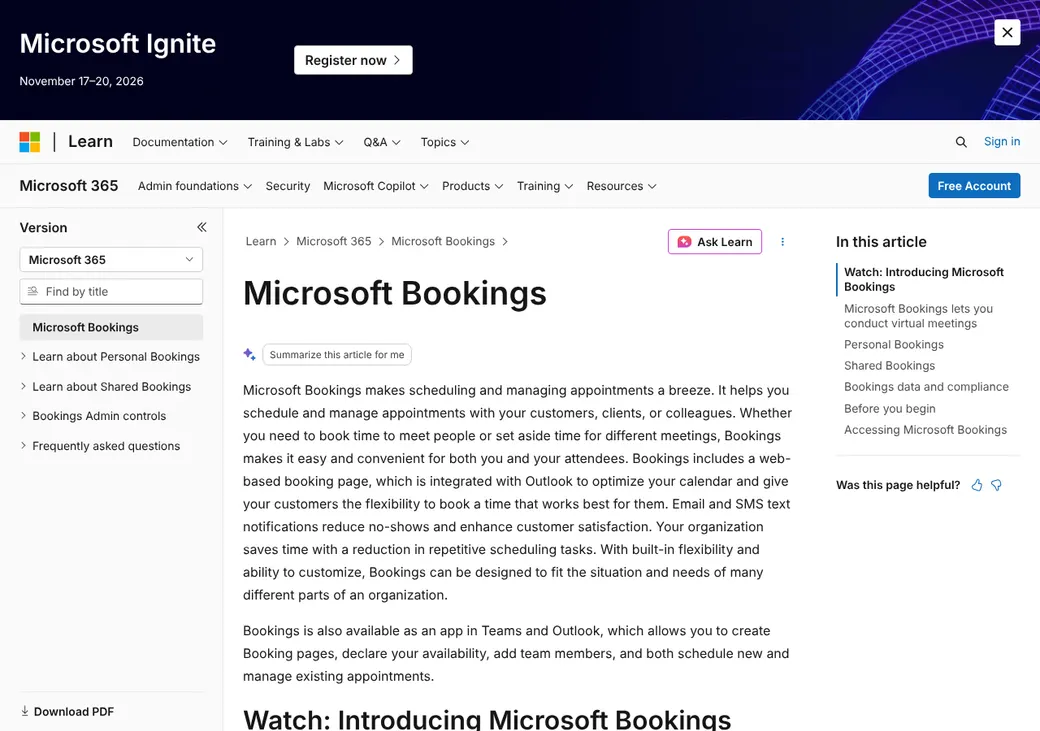
Microsoft Bookings lets clients book time with you from a page, a link or your agency website. It checks your Outlook calendar, adds a Teams meeting and sends email reminders.
It comes with most Microsoft 365 business plans, so an agency already on Microsoft 365 can use it at no extra cost. Text reminders need the Teams Premium add-on.
- Best for
- Agencies already paying for Microsoft 365 and Outlook
- Price
- Included with Microsoft 365 business plans from $7 a user per month. Not sold on its own
- Free trial
- Microsoft 365 business plans have a trial. There's no Bookings-only trial
- Team scheduling
- Clients pick a staff member, or Bookings assigns one at random
- Reminders
- Email on every plan. Text with the Teams Premium add-on
- CRM connections
- None built in. Power Automate (Microsoft's workflow tool) or its developer API can build custom links
- HIPAA BAA
- Not covered. Microsoft's BAA covers Exchange Online but doesn't list Bookings
- Apps
- Web, plus Bookings inside Teams and Outlook
Our take
Microsoft Bookings is a good fit for an agency that already runs on Microsoft 365 and Outlook. You get a booking page, Outlook busy-time checks and Teams meetings without paying for another tool.
There's no Bookings plan to choose, since it comes with Business Basic and up. Add Teams Premium only if you want text reminders. It's a simple tool, with random assignment instead of true round robin and no built-in CRM link.
Microsoft's BAA doesn't list Bookings as a covered service. Unless your compliance lead signs off, leave health details and Medicare numbers out of booking questions.
Pros
- Comes with most Microsoft 365 business plans
- Checks Outlook for busy times so staff aren't double-booked
- Adds a Teams meeting link to virtual appointments
- Up to 100 staff on one booking page
- Shared booking pages can use your own domain
- Microsoft's workflow tool and developer API can send bookings to other systems
Cons
- No round robin that spreads bookings evenly
- No Google Calendar support
- Text reminders need the Teams Premium add-on
- No built-in CRM connections
- No payments or recurring appointments
- Bookings isn't on the list of services Microsoft's BAA covers
Plans and pricing
Bookings has no price of its own. You get it with an eligible Microsoft 365, Office 365 or Teams plan, so an agency already on Microsoft 365 may be paying for it now.
| Plan | Per user a month | What else it includes |
|---|---|---|
| Business BasicSmall agencies on Microsoft 365Where most agencies start | $7 | Bookings, Outlook and Teams meetings |
| Business StandardAgencies that want the desktop apps | $14 | Everything in Business Basic plus the desktop Microsoft 365 apps |
| Business PremiumAgencies that want tighter security | $22 | Everything in Business Standard plus more security and device controls |
| E3 and E5Large agencies | $39 and $60 | Bookings with the enterprise Microsoft 365 suites |
| Teams PremiumAdd-on for text reminders | $10 | Text reminders, more email reminders and follow-ups, and booking reports. Paid yearly and needs a Teams license |
US list prices with Teams, as of October 2026, from Microsoft's pricing pages. Frontline plans F1 ($3) and F3 ($10) also include Bookings. Existing customers keep their old price until renewal.
What it would cost you
Cost per month
First-year cost
Cost per booked appointment
Uses the Microsoft 365 seat prices in the table. Add Teams Premium for each person who needs text reminders.
Good to know before you buy
- Bookings isn't sold on its own. Every person who manages a booking calendar needs an eligible Microsoft 365 seat.
- Staff without Microsoft 365 can join as guests with just an email, but their calendars can't block time.
- Outlook on the web has to be turned on for Bookings to work.
- Nonprofits can get Business Basic free.
Text reminders
Texts need Teams Premium at $10 a user per month, paid yearly. They're sent for virtual appointments to clients in the United States, Canada and the United Kingdom.
Which plan has it
| Feature | Any plan with Bookings | With Teams Premium |
|---|---|---|
| Booking page, links and website embed | ||
| Checks Outlook for busy times | ||
| Teams meeting links | ||
| Email confirmations and a reminder | ||
| Clients move or cancel online | ||
| Power Automate workflows and the developer API | ||
| Text reminders | ||
| More email reminders and follow-ups | ||
| Booking reports |
Every Microsoft 365 plan that includes Bookings gets the same Bookings features. Teams Premium is the only add-on that changes them.
Getting started
Check your Microsoft 365 plan
Business Basic, Standard and Premium, E3, E5 and several other plans include Bookings. Outlook on the web must be on.
Create a booking calendar
Start it from the Bookings web app, Teams or Outlook.
Add your staff and appointment types
Add each producer and an appointment type for each kind of meeting, with its length, buffer time and intake questions.
Share your page
Send the page link or a link to one appointment type, or embed the page on your website.
Add Teams Premium if you want texts
Text reminders and extra email follow-ups need the add-on for each person who uses them.
Setup guides are on Microsoft Learn. Support comes through the Microsoft 365 admin center and Microsoft's business phone line.
Booking and calendars
Booking pages and links
Clients book from a Bookings page, a link to one appointment type or a page embedded on your website. You can keep a page public or limit it to people in your organization, and shared pages can use your own domain. Bookings can't take payment or set up recurring appointments.
Intake questions
Each booking form asks for email, phone, address and notes, plus any required questions you add. You set each appointment's length and the buffer time before and after it. Staff can also book a client by hand, such as after a phone call.
Calendar sync
- Works with
- Outlook calendars on Microsoft 365. Google Calendar isn't supported
- Calendars checked
- Each staff member's Microsoft 365 calendar, when busy-time checking is on. Guest staff calendars can't be checked
- Where bookings go
- Meeting invites go to the staff member and the client
- Changes you make
- Make them in Bookings. Editing the meeting only in Outlook doesn't update the booking
- Exchange setup
- Cloud only. Hybrid Exchange setups don't work
Mobile app
You use Bookings inside the Teams and Outlook apps or on the mobile web. Clients book from any phone browser.
Team routing
One booking page can hold up to 100 staff. You choose whether clients pick who they meet with or Bookings picks for them.
Client picks
Clients see the staff assigned to an appointment type and choose one with open time.
Random assignment
Bookings gives the appointment to an open staff member at random. Microsoft says there's no way to keep the count even.
No license or appointment check. Bookings can't route by state, line of business, CRM owner or producer license. You need a separate process for that.
Reminders and texts
Reminders and no-shows
Every plan sends a confirmation email and a reminder email at the time you set. Clients can move or cancel from the confirmation when you allow it. Teams Premium adds more email reminders and follow-ups.
Bookings doesn't track no-shows. Following up on a missed appointment takes a manual email or a Power Automate flow.
Text message rules
- Plan
- Teams Premium
- Which appointments
- Virtual appointments
- Client consent
- Clients check a box on the booking page to get texts
- Opt-outs
- Replying STOP blocks future texts, even if the client checks the box again
- Countries
- United States, Canada and the United Kingdom
Integrations
| Connects to | Type | How | What it does |
|---|---|---|---|
| Outlook on Microsoft 365 | Calendar | Built in | Checks busy times and sends meeting invites |
| Microsoft Teams | Video | Built in | Adds a Teams meeting to virtual appointments |
| Power Automate | Automation | Built in | Starts a flow when a booking is made, changed or canceled. Up to five flows per booking calendar |
| Bookings developer API (Microsoft Graph) | Developer | API | Creates and manages shared bookings from another system |
| Salesforce, HubSpot and HighLevel | CRM | Custom build | No built-in link. Power Automate or the API can send bookings to them |
| Zoom | Video | Custom build | Possible through a custom Power Automate flow |
Every plan that includes Bookings gets the same connections. A link to any CRM or agency system has to be built with Power Automate (Microsoft's workflow tool) or the developer API.
Security and HIPAA
HIPAA and health data
Microsoft signs a BAA for the cloud services it lists, and Exchange Online, where Bookings data is stored, is on that list. Bookings itself isn't named. Check with your compliance lead before you put health details in booking questions.
Security
- Microsoft work-account sign-in (Entra ID) for staff and the API
- Booking pages can be public or limited to your organization
- Staff roles for team member, scheduler, viewer and guest
- Admins can turn Bookings off and set mailbox policies
- Data stored in Exchange Online under your Microsoft 365 compliance policies
Contract terms
- Billing
- Follows your Microsoft 365 subscription
- Renewal
- Renews under Microsoft's commercial terms until you cancel
- Price at renewal
- Existing customers keep their old price until renewal, then move to current list prices
- Canceling
- Cancel in the Microsoft 365 admin center
- Refunds
- Prorated refund within 7 days of starting or renewing. After that, access runs to the end of the term
- Your data
- Admins can export the last 120 days of bookings. Data is kept about 90 days after the subscription lapses and deleted within 180 days
From the Microsoft Customer Agreement terms for Microsoft 365, as of October 2026.
Microsoft Bookings alternatives
- CalendlyFree plan. Paid from $10 a seat per monthEven round robin, Google Calendar and text reminders on Standard
- Acuity SchedulingFrom $16 a month per account. No free planTakes payments and offers a BAA on Premium
- Zoho BookingsFree for one user. Paid from $6 a user per monthRouting forms, team distribution and a BAA on request
- SetmoreFree for up to four users. Pro from $5 a user per monthAgencyBloc and HubSpot connections and a BAA through Setmore Health
- SimplyBook.meFree plan. Paid from $11.90 a month per accountOne price per account, waitlists and a BAA on Standard and up
See every option in appointment scheduling software.
Frequently asked questions
How much does Microsoft Bookings cost?
It comes with Microsoft 365, so there's no separate charge. Business Basic is $7 a user per month and Business Standard is $14, both billed yearly.
Does Microsoft Bookings sign a BAA for HIPAA?
No. Microsoft's BAA covers Exchange Online, where Bookings data is stored, but Bookings itself isn't on the list. Check your compliance needs before you collect health details in it.
Does Microsoft Bookings do round robin?
Not in the usual sense. Clients can pick a staff member, or Bookings gives the appointment to an open one at random with no way to keep the count even.
Can Microsoft Bookings send text reminders?
Yes, with Teams Premium at $10 a user per month, paid yearly. Texts go out for virtual appointments in the United States, Canada and the United Kingdom.
Does Microsoft Bookings work with Google Calendar?
No. It only checks Outlook calendars on Microsoft 365.
Does Microsoft Bookings connect to my CRM?
Not directly. You can send bookings to Salesforce, HubSpot or another system with Power Automate (Microsoft's workflow tool) or its developer API, which takes some setup.
How we researched this review. We based this review on the pricing, terms and product pages published by Microsoft Bookings, reviewed in October 2026, together with our team's experience working with insurance agents and agency owners since 2008.
Corrections
Vendors change their pricing all the time and they don't email us when they do. So if you see a price on here that's gone up, a plan Microsoft Bookings quit selling or a contract term that reads different now, let us know and send the link to the page where Microsoft Bookings has it. Somebody here pulls up that page and checks it before we change anything on ours.