Google Calendar appointment schedules review for insurance agents: pricing, features and integrations
Appointment schedules are the booking pages built into Google Calendar. You post your open times, the client picks one and the meeting lands on your Google Calendar with a Meet link, phone number or address.
It fits solo agents and small agencies already on Google. One page is free, and Business Standard adds more pages, email reminders and payments.
- Best for
- Agents already on Google who want a simple booking page
- Price
- Free for one booking page. Business Starter is $7 a user per month for one page and no reminders. Reminders and more pages need Business Standard, from $14, both billed yearly
- Team scheduling
- No round robin. Up to 20 co-hosts on Business Standard and up
- Reminders
- Up to 5 email reminders on Business Standard and up. No texts
- CRM connections
- None built in. The Google Calendar API for custom work
- HIPAA BAA
- On Google Workspace, accepted in the Admin console. Not on a personal account
- Apps
- Set up on the web. Booked meetings show in the Calendar apps
Our take
Google's booking pages fit an agent who already runs the day in Google Calendar and wants clients to grab a time without buying another tool. The meeting goes straight onto the calendar you already use.
A personal account covers one booking page. Business Standard is the plan most agents need, since it adds more pages, email reminders and conflict checks across calendars.
There's no round robin and no text reminders, so it won't share appointments across producers. Workspace customers can accept Google's BAA, which matters to Medicare and health agents.
Pros
- One free booking page with a personal Google account
- Bookings land straight on Google Calendar
- Website embed or booking button
- Google Meet links on every booking
- A BAA through Google Workspace
Cons
- No round robin or way to share bookings across producers
- Email reminders only, with wording you can't change
- No way to mark or follow up on no-shows
- No built-in CRM or agency system connection
- Booking pages can only be built on a computer
- Google Workspace Essentials and Frontline can't create booking pages
Plans and pricing
| Plan | Billed yearly | Billed monthly | What it adds |
|---|---|---|---|
| Personal Google accountSolo agents who need one page | $0 | $0 | One booking page that writes to Google Calendar, with a website embed and Meet links |
| Business StarterAgencies on Workspace email | $7 | $8.40 | One booking page per user, the same as a personal account |
| Business StandardAgents who book clients every weekWhere most agents start | $14 | $16.80 | More booking pages, up to 5 email reminders, conflict checks across calendars, Stripe payments, email verification and up to 20 co-hosts |
| Business PlusAgencies that must keep email and chat records | $22 | $26.40 | Everything in Standard plus Vault, which keeps and searches email and chat records, and more security controls |
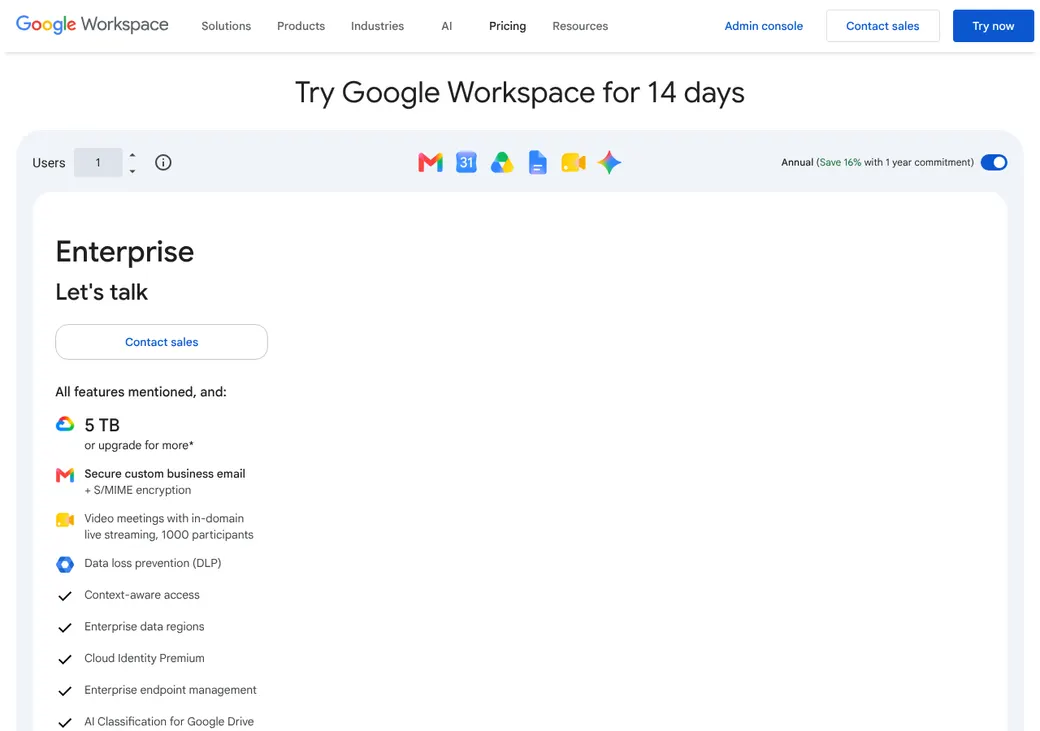
| EnterpriseLarger agencies | Quote only | Quote only | Enterprise security and admin controls |
Prices are per user each month, as of October 2026, from Google Workspace pricing. Billed yearly is the Annual/Fixed-Term Plan and billed monthly is the Flexible Plan.
What it would cost you
Cost per month
First-year cost
Cost per booked appointment
Uses the Workspace prices in the table. The price covers all of Google Workspace, not only booking.
Good to know before you buy
- Booking isn't sold on its own. It comes with your Google account or Workspace plan.
- Google One premium plans and Workspace Individual also unlock the extra booking features.
- Google charges no fee on Stripe payments. Stripe's own fees still apply.
- Google's introductory offers can be lower than these list prices.
Which plan has it
| Feature | Personal account | Business Starter | Business Standard and up |
|---|---|---|---|
| Booking pages | 1 | 1 | More than one |
| Website embed or booking button | |||
| Google Meet links | |||
| Bookings written to Google Calendar | |||
| Confirmation emails | |||
| Email reminders | Up to 5 | ||
| Conflict checks across several calendars | |||
| Book onto a secondary calendar | |||
| Take payment with Stripe | |||
| Email verification on the form | |||
| Co-hosts | Up to 20 | ||
| BAA available |
Google One premium plans, Workspace Individual and eligible Education and Nonprofit plans get the same booking features as Business Standard.
Getting started
Use the Google account you have
A personal Google account or a Workspace user works. One booking page costs nothing extra.
Open Calendar on a computer
Booking pages can only be built in Calendar on the web, not in the phone apps.
Set your hours and meeting details
Pick the length, open hours, buffers and minimum notice. Choose Google Meet, a phone call or an in-person address.
Turn on the conflict check
Check calendars for availability keeps busy times off your page. Add any extra questions to the booking form.
Share your link
Copy the link, or embed the page or a booking button on your website.
Google's help articles cover setup, sharing, payments and cancellations. Workspace admins can reach chat or email support from the Admin console.
Booking and calendars
Booking pages and links
Clients book on a Google page from a link, a page embedded on your site or a button that opens a pop-up. Business Standard and up can run more than one page and share one link to all of them.
Intake questions
The form asks for first name, last name and email, and you can add more questions. Business Standard and up can make clients verify their email, which cuts down on spam bookings.
Scheduling rules and payments
You set how far ahead clients can book, a minimum notice of 4 hours by default, a daily cap and buffer time. Business Standard and up can take payment through Stripe by card, Apple Pay or Google Pay.
Calendar sync
- Works with
- Google Calendar
- Calendars checked
- The Google calendars you select, when the conflict check is on. Events marked Yes or Maybe block time
- Where bookings go
- Your main calendar or a secondary calendar you choose
- Cancellations
- Canceling removes the event and frees the time for someone else
- Outlook and Exchange
- No direct connection. A Workspace admin can share Exchange free and busy times across the organization
Mobile app
You build booking pages on a computer, because the Calendar apps for iPhone and Android can't create them. Booked meetings show up in those apps, and clients book from any phone browser.
Reminders and texts
Reminders and no-shows
Clients get a confirmation email and an email if anything changes. Business Standard and up can send up to 5 email reminders, but you can't change their wording.
There are no text reminders. There's also no way to mark a no-show or follow up on one.
Integrations
| Connects to | Type | How | What it does |
|---|---|---|---|
| Google Calendar | Calendar | Built in | Checks busy times, adds bookings and frees the time when a booking is canceled |
| Google Meet | Video | Built in | Adds a Meet link to each booking |
| Stripe | Payments | Built in | Takes payment when the client books, on Business Standard and up |
| Sites, Shopify, Squarespace, Unbounce, Weebly, Wix and WordPress | Website | Embed code | Puts the booking page or a button on your site |
| Google Calendar API | Developer | API | Reads and writes events and sends alerts when a calendar changes |
Zoom and Teams aren't built in. Set the location to be decided later, then add the link after the booking.
Security and HIPAA
HIPAA and health data
Workspace customers can accept Google's BAA in the Admin console, and Google Calendar is a covered service. Personal accounts and add-ons from other companies aren't covered. Keep health details out of appointment titles and descriptions.
Security
- Single sign-on through Google Workspace
- Calendar activity in admin audit reports
- Only people who can edit the calendar can change the page
- Vault, which keeps and searches email and chat records, on Business Plus and up
- Rules that stop staff sharing sensitive data outside the agency, on Enterprise
Contract terms
- Billing
- Monthly on the Flexible Plan or yearly on the Annual/Fixed-Term Plan
- Renewal
- Monthly renews until you cancel. Yearly renews for the term you chose
- Canceling
- Monthly plans can cancel any time and pay for the days used. Canceling a yearly plan early charges the rest of the term
- Refunds
- None when you cancel a yearly plan early
- Your data
- Admins can export Workspace data, including Calendar, before canceling. Google deletes it after you cancel
- Personal accounts
- No subscription or term
From Google Workspace terms and billing help, checked October 2026.
Google Calendar appointment schedules alternatives
- CalendlyFree plan. Paid from $10 a seat per monthText reminders on Standard and round robin on Teams
- Acuity SchedulingFrom $16 a month per account. No free planText reminders on Standard and a BAA on Premium
- Square AppointmentsFree plan. Plus is $49 a location per monthText reminders clients can answer, plus an AgencyZoom connection
- Zoho BookingsFree for one user. Paid from $6 a user per monthRound robin, routing forms and text reminders on Premium
- SetmoreFree for up to four users. Pro from $5 a user per monthText reminders on Pro and an AgencyBloc connection
See every option in appointment scheduling software.
Frequently asked questions
How much do Google Calendar appointment schedules cost?
One booking page is free with a personal Google account or Business Starter. More pages and email reminders need Business Standard, at $14 a user per month billed yearly or $16.80 billed monthly.
Do Google Calendar appointment schedules come with a HIPAA BAA?
Yes, on Google Workspace. An admin accepts the BAA in the Admin console, and Google Calendar is a covered service. Personal Google accounts aren't covered.
Do Google Calendar appointment schedules offer round robin?
No. Each booking page follows one person's calendar. Business Standard and up can add up to 20 co-hosts, who get the invite.
Do Google Calendar appointment schedules work with AgencyZoom?
Not directly. There's no built-in connection to AgencyZoom or other agency systems, so any link through Zapier or the Calendar API is custom work.
Do Google Calendar appointment schedules send text reminders?
No. Business Standard and up can send up to 5 email reminders, but there are no texts.
Do I need Google Workspace to use appointment schedules?
No. A personal Google account gets one booking page. More pages, reminders and Stripe payments need Business Standard or another premium Google plan.
How we researched this review. We based this review on the pricing, terms and product pages published by Google Calendar appointment schedules, reviewed in October 2026, together with our team's experience working with insurance agents and agency owners since 2008.
Corrections
Vendors change their pricing all the time and they don't email us when they do. So if you see a price on here that's gone up, a plan Google Calendar appointment schedules quit selling or a contract term that reads different now, let us know and send the link to the page where Google Calendar appointment schedules has it. Somebody here pulls up that page and checks it before we change anything on ours.